Resetting an Instance Password
For every instance that has been deployed from a prepared template, the password can be reset. To reset the password, the instance must be shut down. See the documentation: shutdown an instance
From the left menu, go to Compute > Instance. Select the vertical ellipsis (three vertical dots), and then click the Reset Password icon.

When you click on the server name itself, the same options as those under the vertical ellipsis are also available in the top right corner.
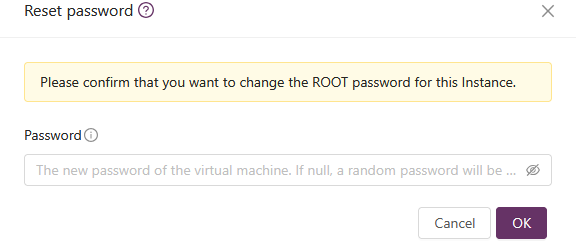
You can enter a password of your choice. If the password field is left blank, a password will be generated automatically.
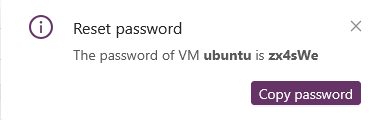
After the password has been entered or generated, it will be displayed in the top right corner.