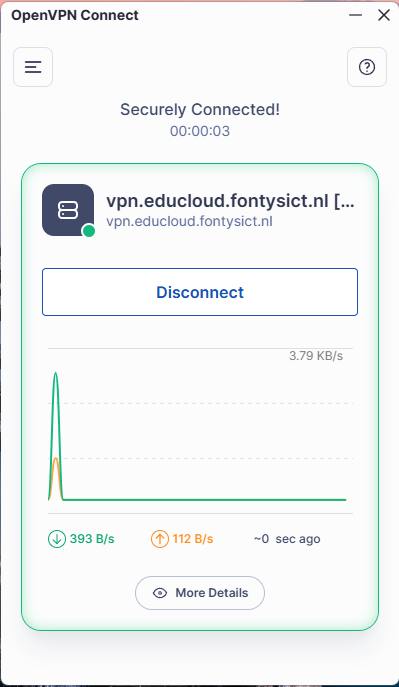
Openvpn import config file
Import the Configuration File into OpenVPN
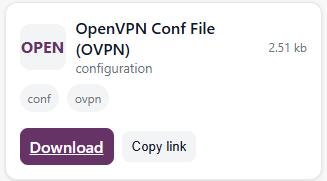
After installing OpenVPN, the configuration file must be imported to connect to EduCloud. The configuration file can be downloaded from the portal’s download page.
- From the navigation menu, select Downloads or click Downloads Page
- In the OpenVPN client select the Upload File button.
- select the configuration file you just downloaded.
- Click Import.
- Once the configuration file is imported, you can connect to the EduCloud VPN by clicking Connect.