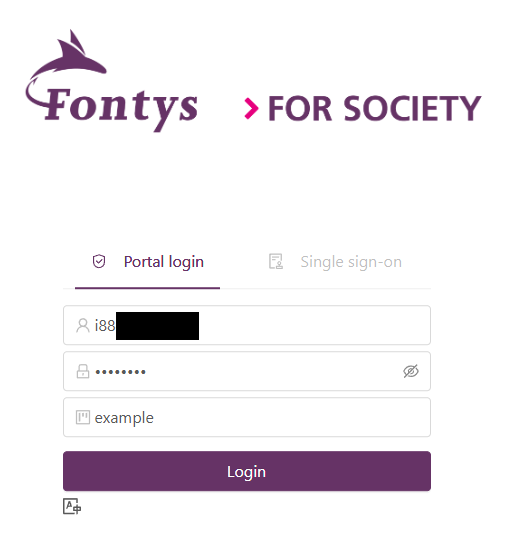
Portal Login
First-Time Login to the EduCloud Portal
When you log in for the first time, you will need to set up Multi-Factor Authentication (MFA).
Two-Factor Authentication
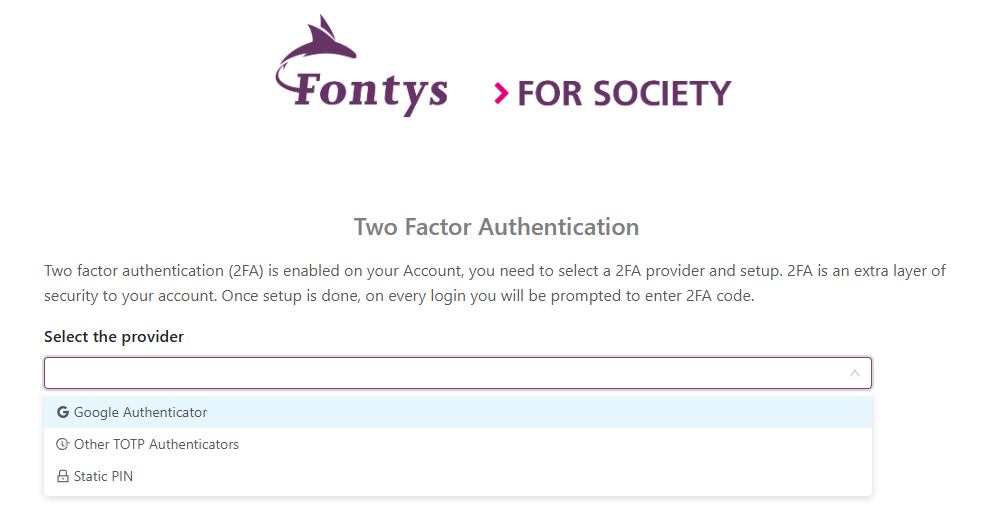
After logging in, you will be prompted to set up Two-Factor Authentication (2FA). You will see several options when clicking the drop-down menu:
- Google Authenticator.
- Other TOTP Authenticators.
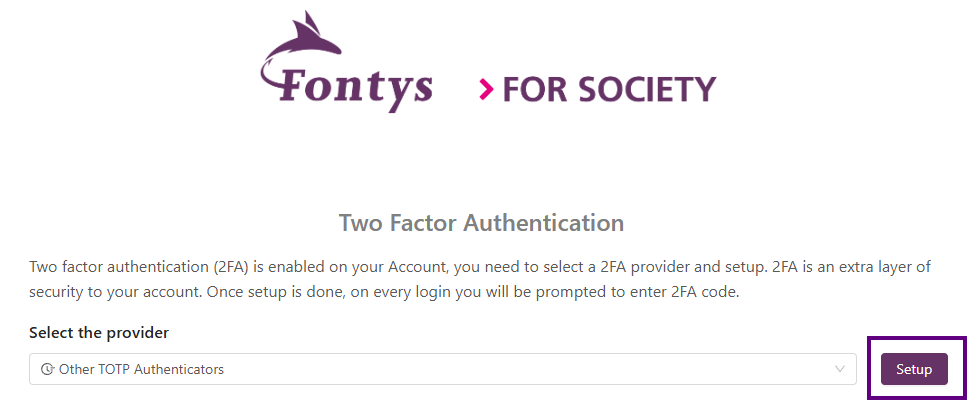
After selecting your preferred provider, click the Setup button to continue.
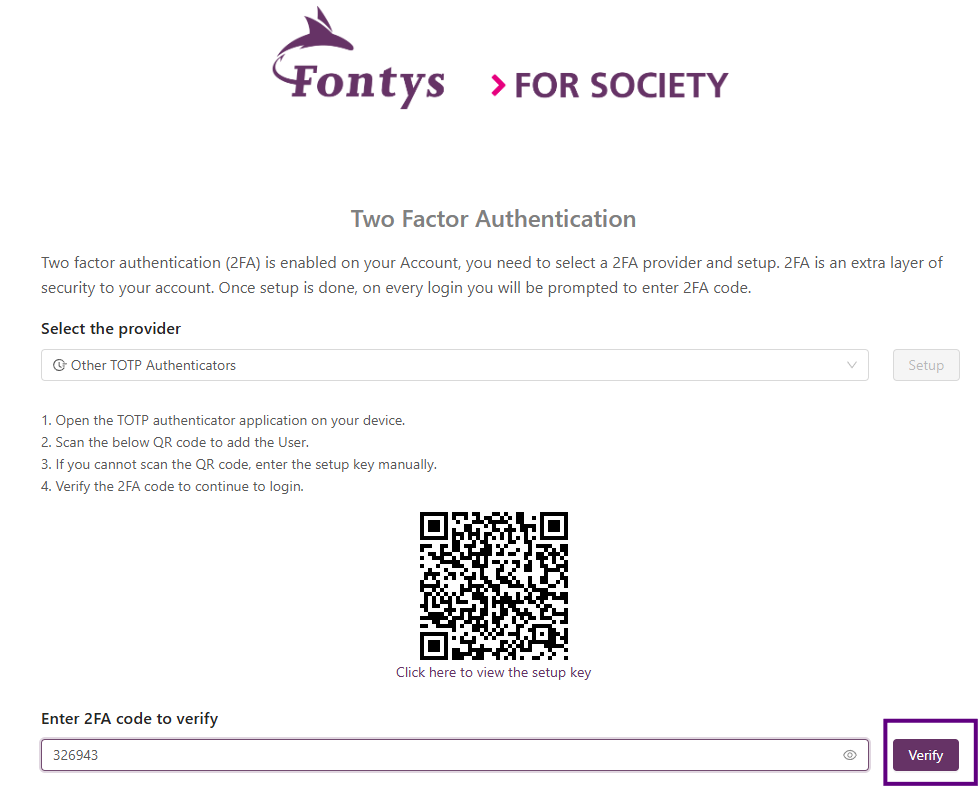
Next, scan the QR code to add 2FA to your account. Once the QR code has been scanned with your authenticator app, the 2FA profile will be added to your device. When you open the 2FA profile on your device, a code will be displayed. You will need this code to log in to the EduCloud portal.