How to edit an Instance
!Note: to edit an instance it needs to be powered off.
You can edit an instance during creation or after deployment.
Available options include adding a video adapter, a network adapter (NIC), or modifying firmware settings such as UEFI.
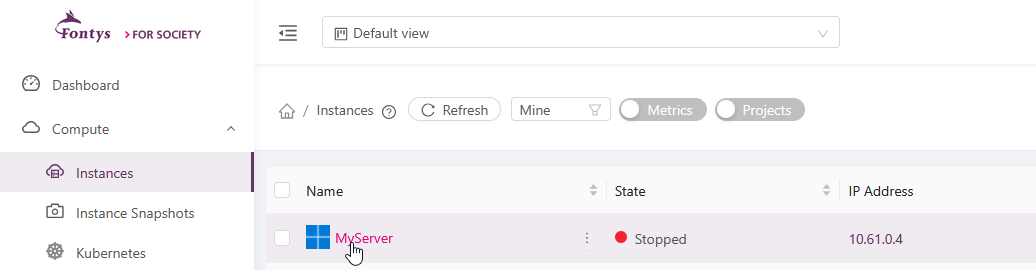
After the create instance is selected you can edit the instance. go to Compute > Instances in the left-hand menu and click on your Instance
Click on the settings
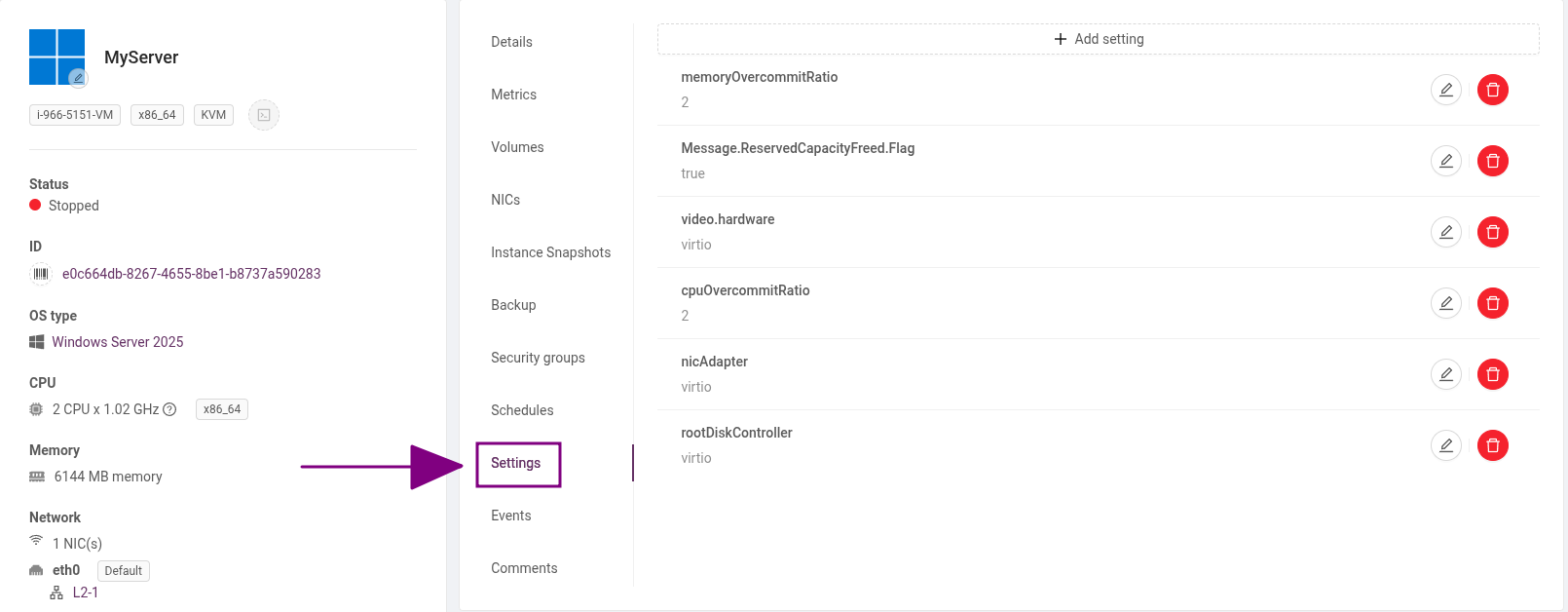
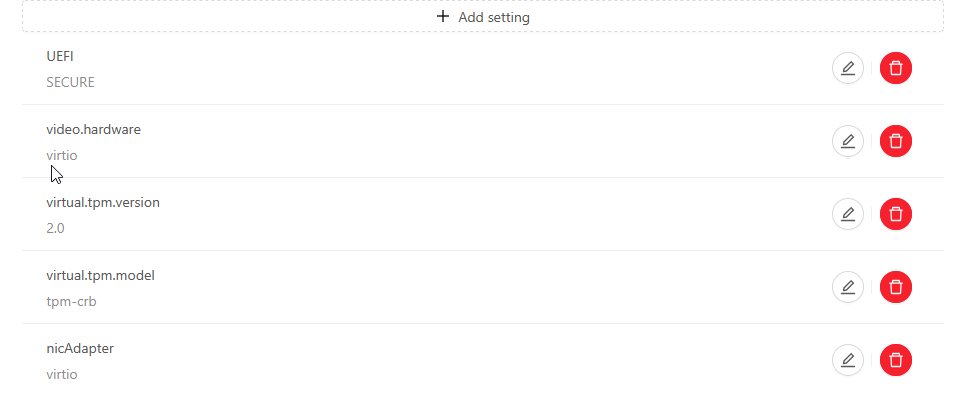
Select the Settings and click on Add setting.
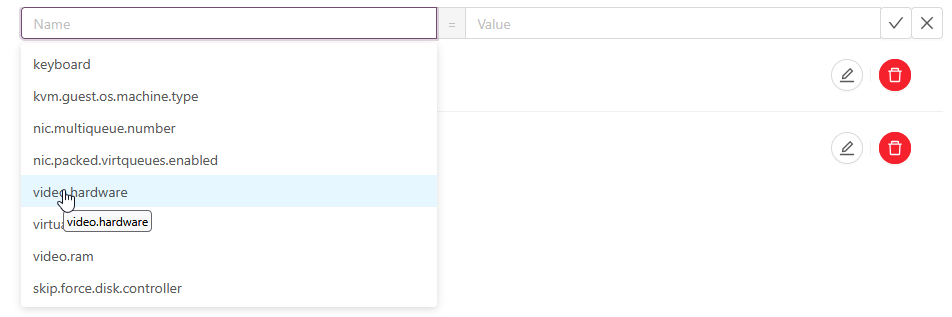
Click on Name and select the setting you want to add and click on value to select the type of hardware
The best performance for windows is gained by adding the Virtio Nic and Virtio Video adapter.
Requirement is that the Virtio Drivers are installed you can install the virtio drivers bij mounting the Virtio ISO.
Note: When deploying Windows, the best performance is achieved by selecting a template instead of an ISO.
When installing Windows from an ISO, the root disk controller will use SATA, which can result in a performance degradation of approximately 10–20%.
After finishing you can start the instance.