Workshop Login
Logging in to the Workshop and Opening GNS3
To access the workshop, open the following link: workshop login
Enter the username and password provided to you, and click Continue.
After logging in, you will see the GNS3 tile.
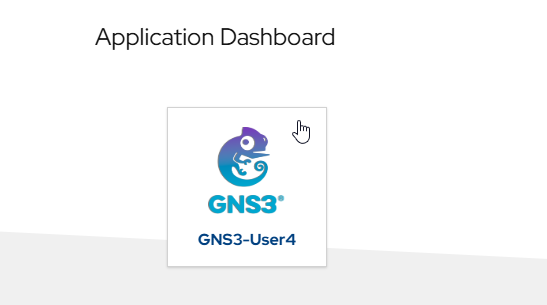
Open GNS3 by clicking on the GNS3 tile.
You will then see the GNS3 login page.
Enter the username and password. The default credentials are admin / admin, as shown in the image below.
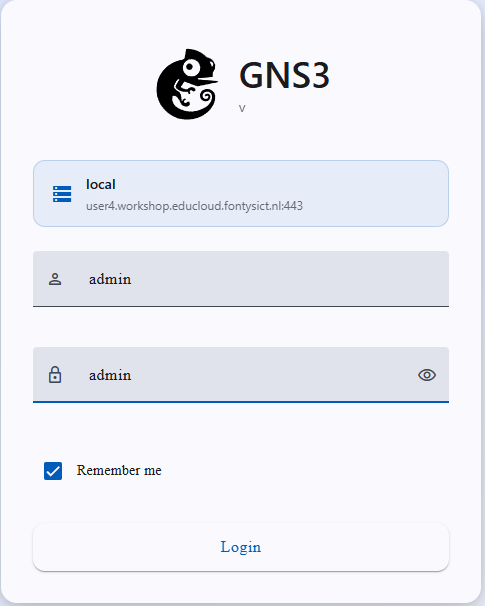
Click the Login button to open the GNS3 web interface.
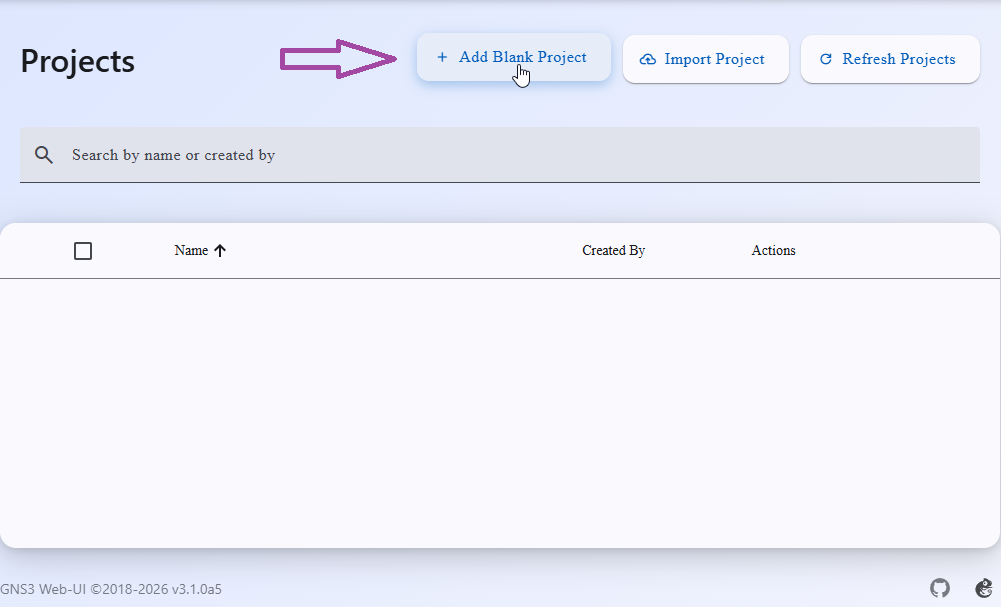
After logging in, you can create your first project.