Recover an Instance
Recover an Instance
If an instance is accidentally destroyed, it can still be recovered to its previous state.
WARNING: A destroyed instance can only be recovered within 2 days. After this period, recovery is no longer possible.
Steps to Recover an Instance
1. From the left menu choose : Compute > Instances.
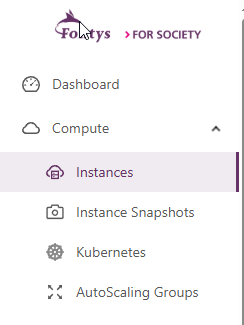
- In this page you can see the Instances that you have. Click on the vertical-ellipsis (3 dots) of the Instance that is destroyed.

- Click on: Recover Instance

- After that click on OK
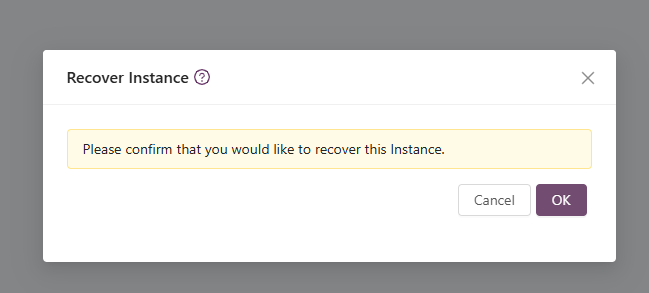
The Instance will then be recovered to its previous state.